Quick start
From a fresh signup to the first scheduled post. No design software. No social manager.
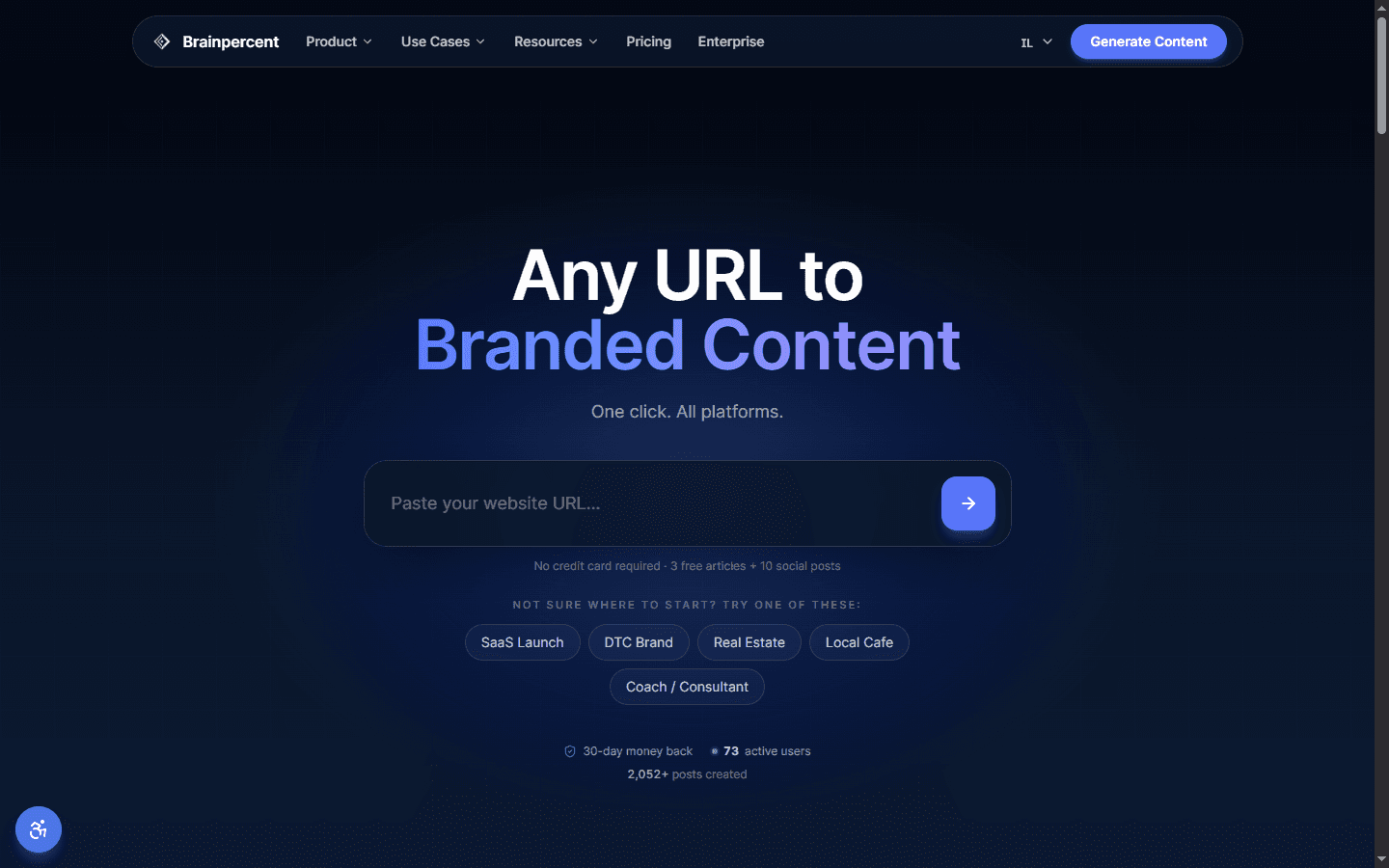
01Sign up
Open brainpercent.app and sign in with Google. The account starts with 10 credits, spendable on articles, posts, images or video. No card.
02Lock the brand
First question: the company website. Paste it. The scan pulls the kit that every later frame has to wear.
- Logo. Favicon and Open Graph image.
- Palette. Hero and CSS, two inks.
- Type. The fonts the site already uses.
- Voice. Homepage and recent posts.
03Connect one channel
Publishing reaches 13 channels. Connect the one the audience already lives on. Most teams start with Instagram or LinkedIn.
04Paste a URL
In the app, paste the page you want in the calendar: a product, a post, a film, a release. The kit stays locked. Drafts come back for each connected channel.
05Review and schedule
Each variant shows the frame, the caption, the tags. For each one:
- Approve. Now, or on the calendar.
- Regenerate. Another take, same price as the first.
- Edit. Caption, frame, tags.
- Hold. This channel waits.
Schedule the ones you keep. The week goes out. Full walkthrough: Schedule a week.