Connect a platform
One OAuth per channel. 13 live destinations. The calendar publishes only where a person connected.
01The flow
- Open Connect. Settings, or the Connect room. Live channels and their state.
- Click Connect. The channel’s own sign-in. Google, Meta, LinkedIn, and the rest.
- Grant publish. Posts and pages. Not DMs. Not a follower dump.
- Land back. A live connection. That channel is now a destination in the queue.
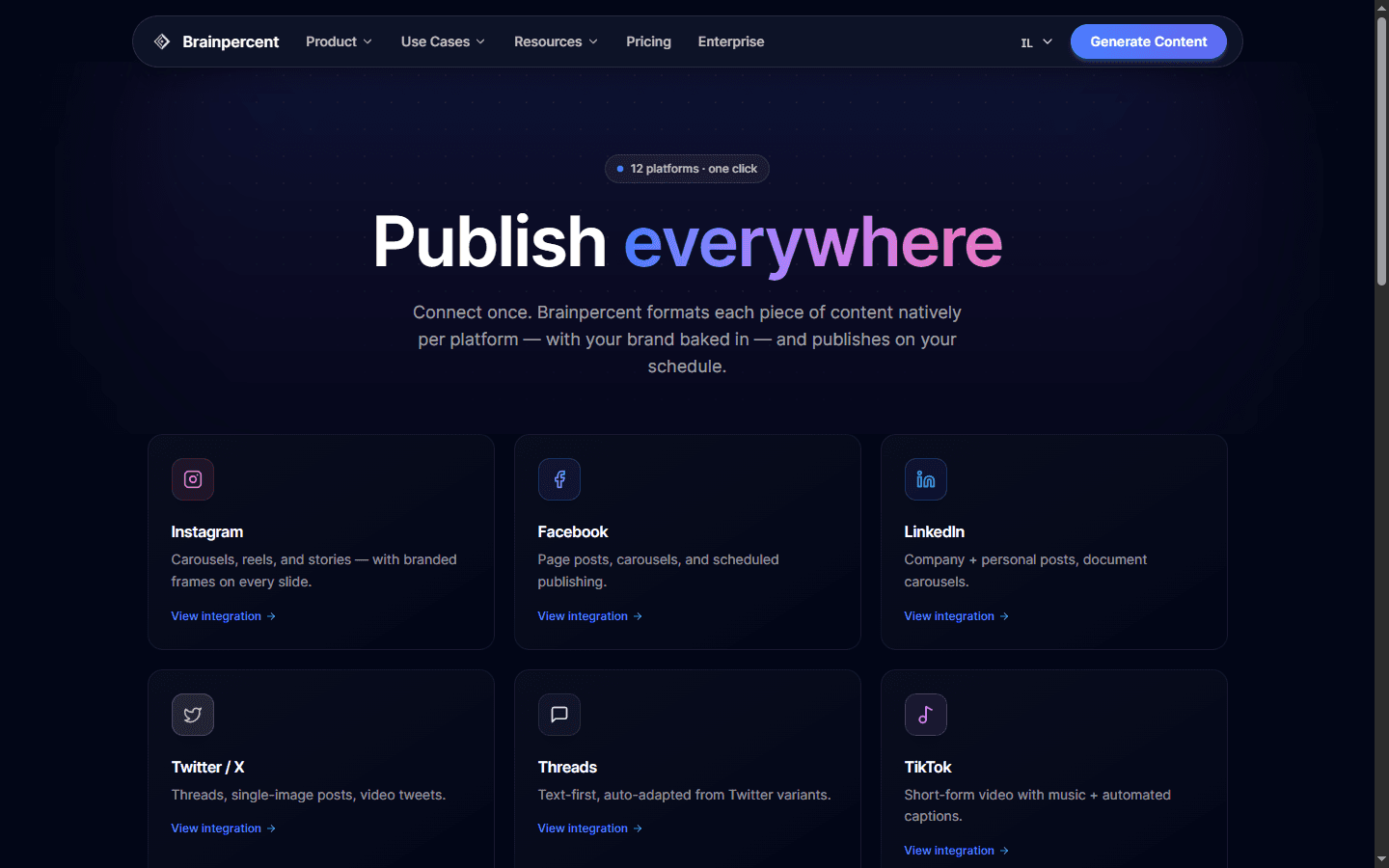
02Live channels
| Channel | What it takes |
|---|---|
| Feed posts, carousels, stories and reels with your brand on every frame. | |
| Page posts, carousels, stories and reels with branded images. | |
| Text posts, image posts, carousels and document decks for personal and company pages. | |
| Twitter / X | Single posts, image posts and threads, each within the character limit. |
| Threads | Text posts, image posts, carousels and threads, in the tone Threads expects. |
| TikTok | Short videos and photo carousels with your brand on every frame. |
| YouTube | Videos and Shorts with SEO-optimized titles, descriptions and tags. |
| Branded pins with keyword-rich descriptions, assigned to the boards you choose. | |
| Bluesky | Text posts and image posts via AT Protocol, alongside your other channels. |
| Telegram | Text posts and image posts to your Telegram channel, with Markdown formatting. |
| Google Business | Local posts, offers and events for your Google Business Profile. |
| Subreddit posts with the title and flair each community asks for. | |
| Snapchat | Stories, Saved Stories and Spotlight, one piece of media at a time. |
Format specs live on Integrations.