Brainpercent Image
Create and edit images for your brand
In-house teams, agencies and their clients use Image to generate, edit and transform any still without leaving the chat.
From a draft still to the post
Create an image from a line
Describe your idea and generate an image. Edit it, expand it or turn it into a video in the same workspace.
Turn a fact into a graphic
Numbers, steps, and comparisons become a branded infographic, charts and type already laid out, ready to post.
More ways to show your idea
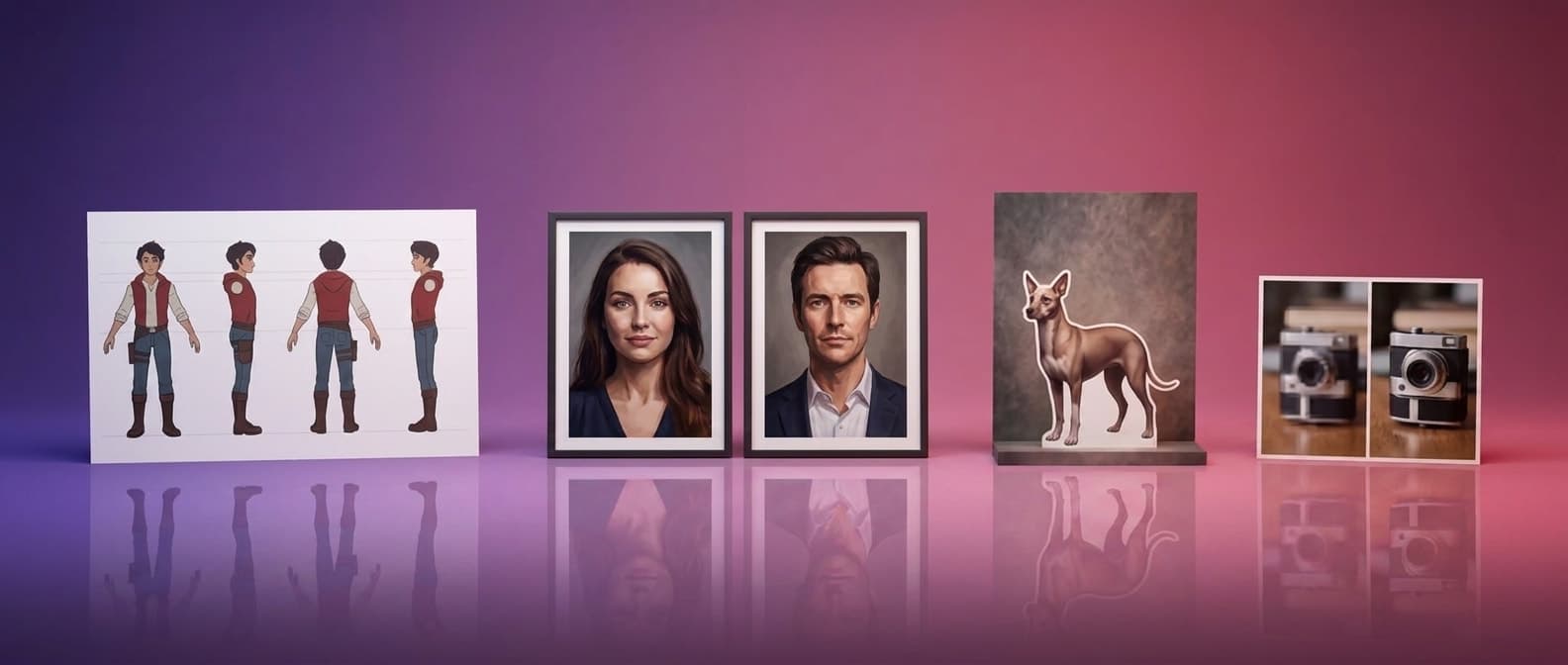
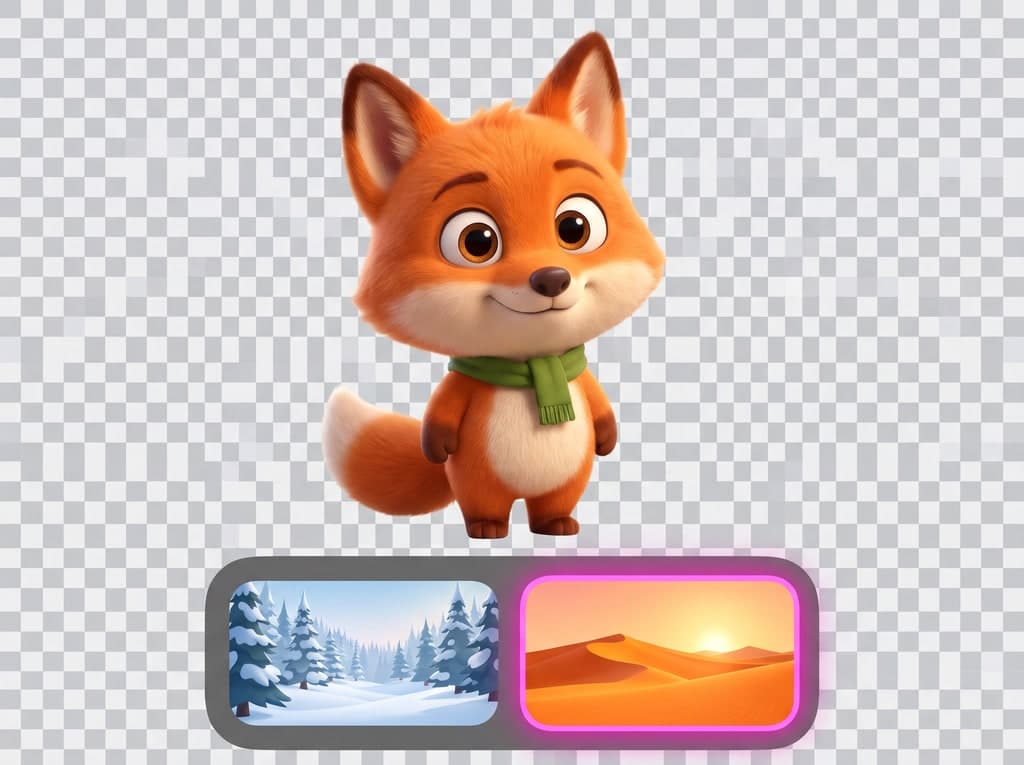
Try different compositions, colors and poses from one image. Pick the version that fits your post.
Change what is already in the frame
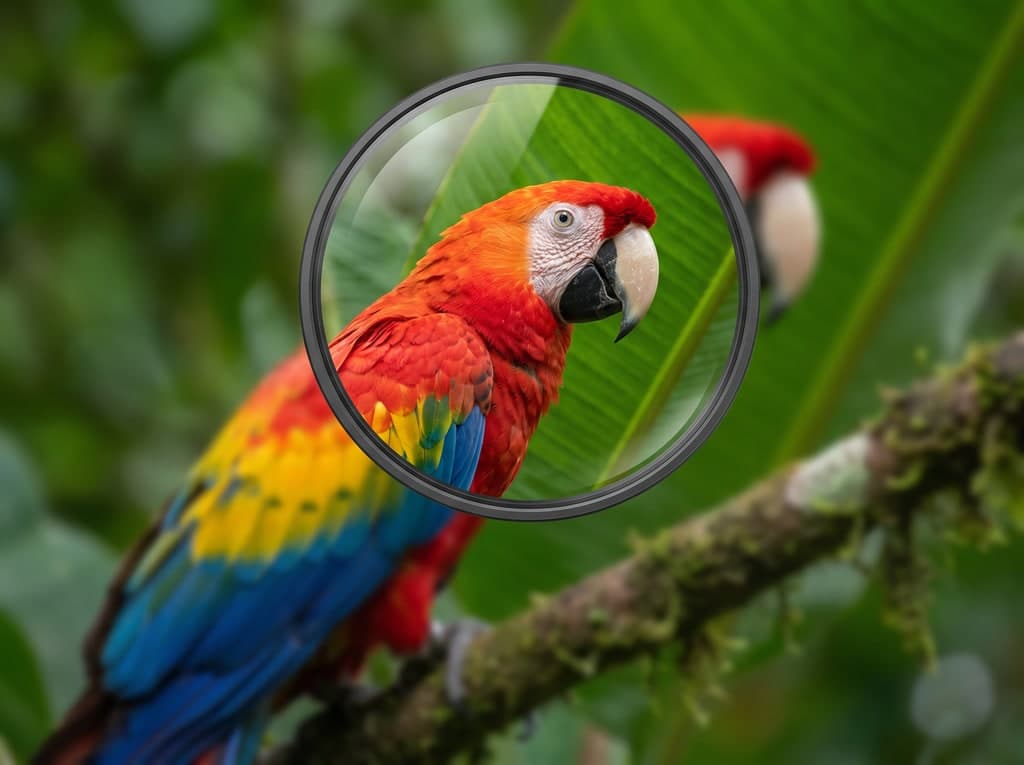
Describe the change you want: replace an object, adjust a detail or update the scene. Review the result and refine it.
More ways to shape the image
No second app, no second brief
Every image tool reads the same brand and the same thread, so a still moves from draft to post without a second app or a second brief.
One workspace
Create, edit, expand, upscale and restyle a still without leaving the chat: every image tool sits in the same thread as the rest of the brand's work.
Ready to publish
A finished still drops straight into a post or a video, already sized and branded for the channel it is going to.
Versions, not restarts
Every edit sits beside the previous one, so a change can be compared and reverted without losing the original.
Fix the frame, keep the photo
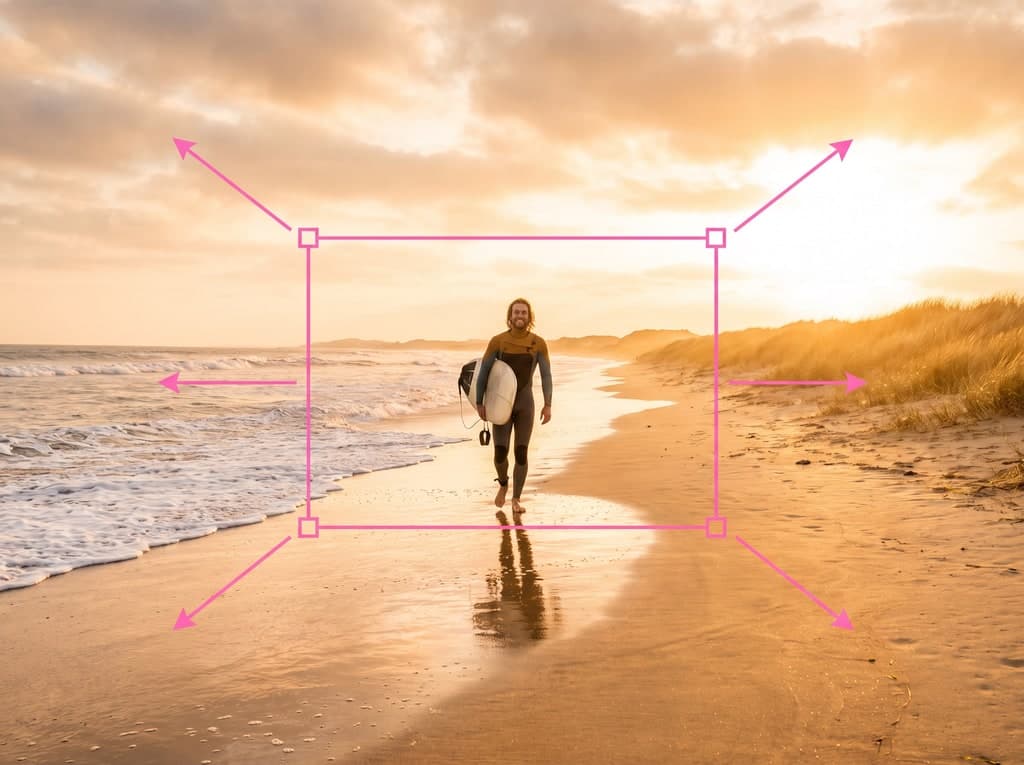
Expand, relight or clear a background without regenerating the subject; the person or product stays as it was.
Facts become graphics
A number or a list becomes a branded graphic sized for the channel, without a design tool or a template.
Every image tool, in one workspace.
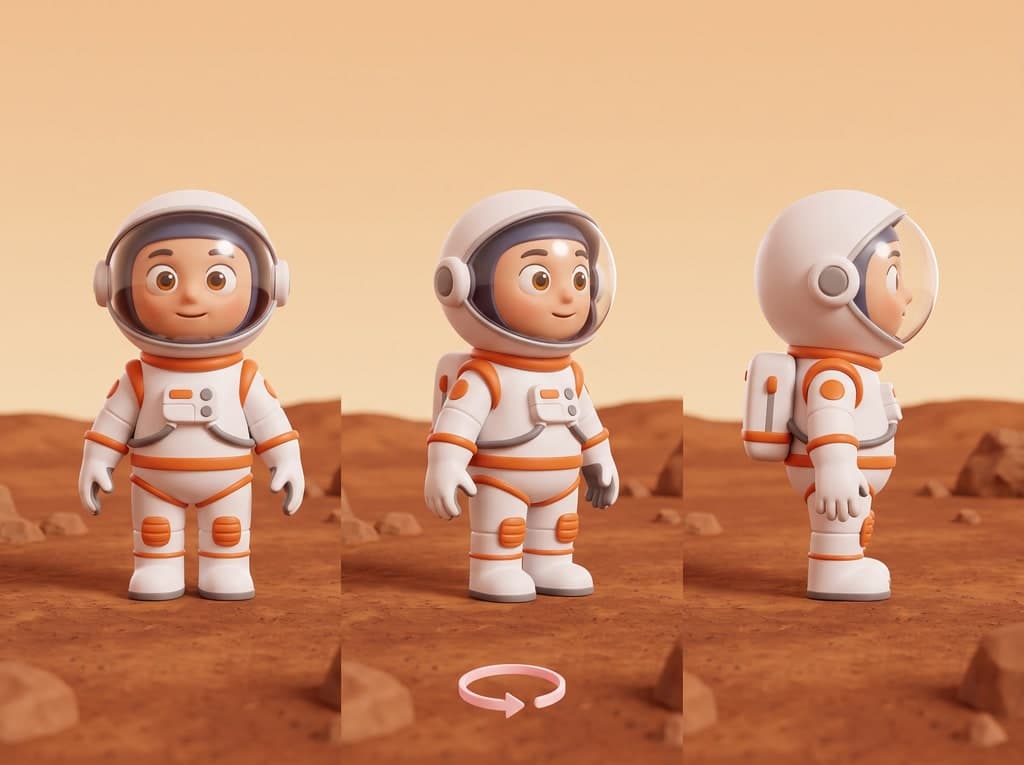
Camera Angle Control
Orbit, crane, or drop to eye level on a still. The subject stays; only the lens changes.
Face Swap
Keep the pose, wardrobe, and light. Only the identity changes, so the still still belongs to the scene.
Actor
Cast a face once and reuse it across every still and shot.
World
Build a place once, then walk it, recast it and film it again.
Audio
Score voice, music and sound on the same timeline as the picture.