BrainpercentCreate content like this in minutes with our AI tools
Try it freeAI Carousel Maker for LinkedIn: How Smart Tools Transformed Content Strategy in 2026
Your LinkedIn engagement flatlines while competitors post daily carousels that actually convert. Static posts get ignored. The culprit? content marketers waste 40 hours monthly wrestling with carousel creation.
The shift happened fast. Early this year, efficient content marketers abandoned manual design platforms for AI-powered carousel generators that turn blog posts into multi-slide content in minutes.
These tools don't just resize images. They analyze your content, structure narratives across slides, and maintain brand consistency without requiring design skills or hours of template tweaking.
The best part? LinkedIn's algorithm now favors carousels over static posts by a measurable margin.
How AI carousel makers transformed LinkedIn content strategy in 2026

Why efficient content marketers abandoned static posts for AI-generated carousels in early 2026
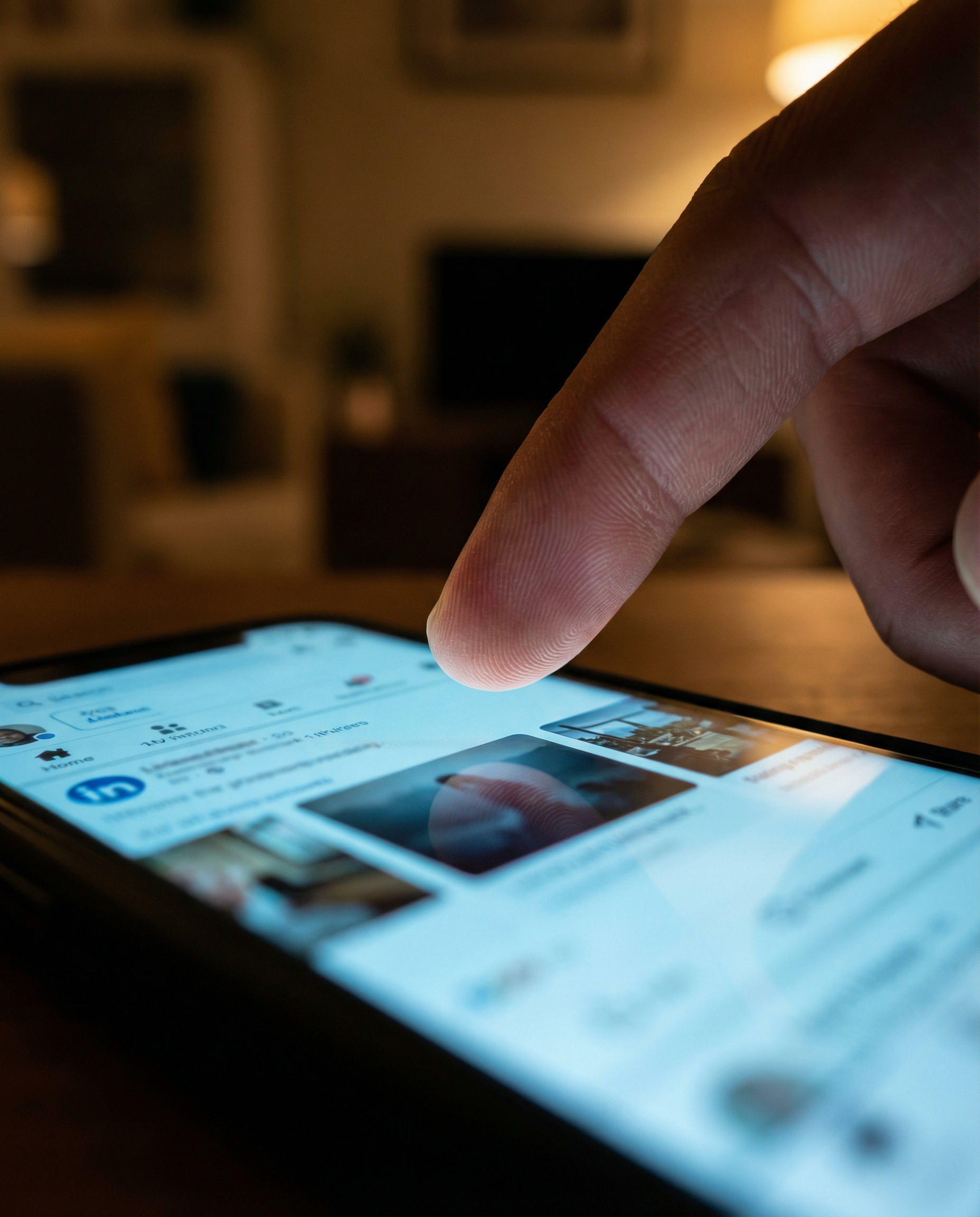
Static posts stopped working. You post a single-image update with a caption, and it gets buried within hours. LinkedIn's feed prioritizes content that keeps users scrolling. Carousels deliver exactly that.
Carousels force engagement through swipe behavior. Each slide transition counts as an interaction signal, telling LinkedIn's algorithm that your content holds attention. A well-structured carousel can generate engagement rates that single posts simply can't match.
Creation time was the problem. Building a professional 10-slide carousel in Canva or Figma took 45 minutes minimum. You had to structure your narrative across multiple slides, maintain visual consistency with brand colors and fonts, and balance text density so slides remained readable on mobile. Then came export in the correct dimensions and testing how slides flow together before publishing.
Content marketers producing 10-15 carousels monthly were spending entire workdays on design instead of strategy. That's when ai carousel generators became essential tools rather than nice-to-have experiments.

The 3 core AI capabilities that separate professional carousel tools from basic design platforms
Template libraries can't think. ai carousel makers can. That's the difference between basic design platforms and professional tools.
At scale, this difference compounds.
First capability: Automatic narrative structuring. You paste a blog post or outline, and the AI identifies natural break points for slides. It recognizes when a concept needs two slides instead of one, where to place a summary slide, and how to build momentum toward a call-to-action.
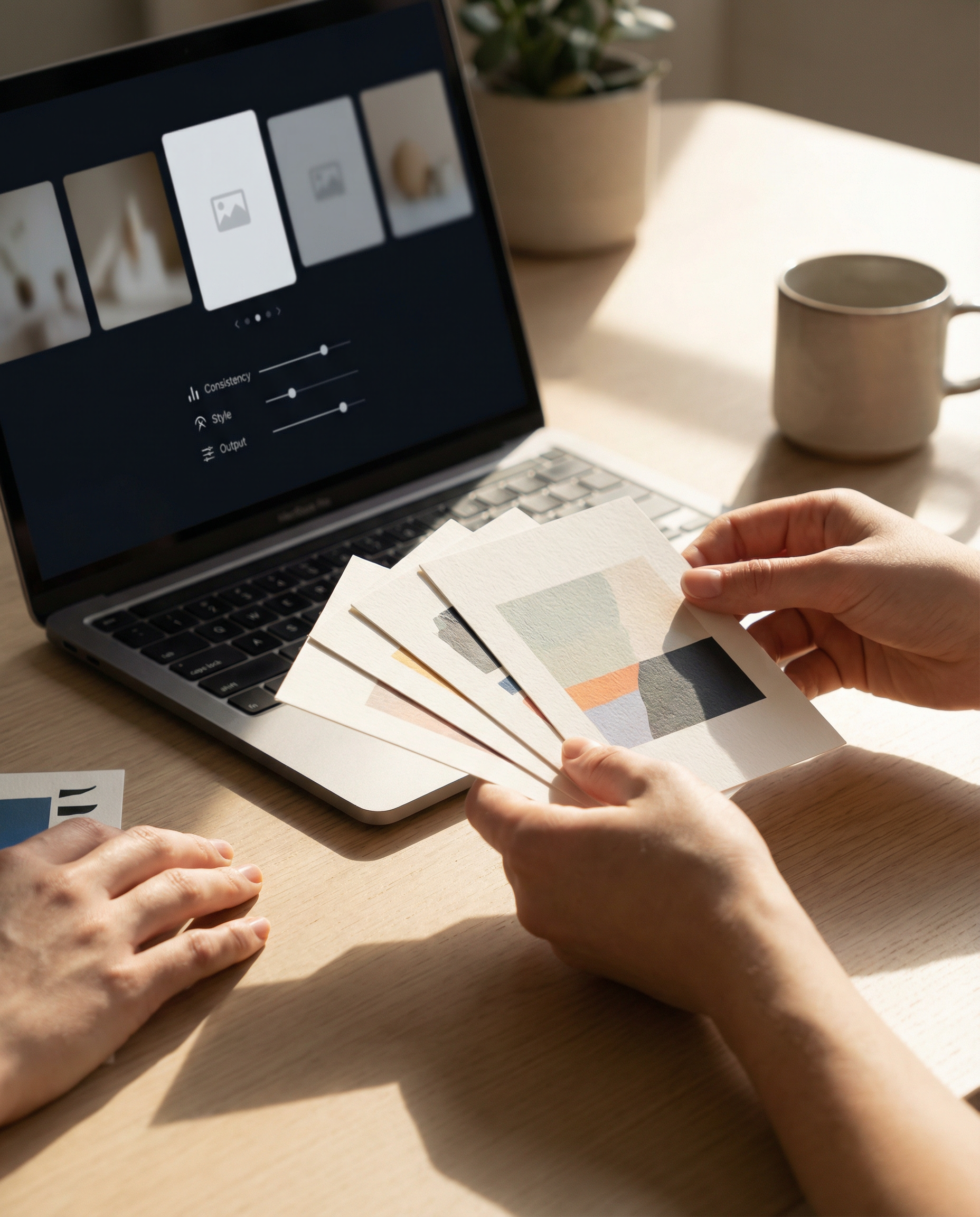
Second capability: Brand consistency enforcement. You define your brand colors, fonts, and logo placement once. Every carousel generated afterward maintains those standards automatically. No manual checking, no accidental off-brand slides slipping through.
Third capability: Multi-platform export optimization. According to testing by content creation platforms, most professional tools now export carousels formatted correctly for LinkedIn, Instagram, and Twitter without requiring separate design files.

How PostNitro and similar generators cut carousel creation time from 45 minutes to under 5 minutes
Speed comes from eliminating decision fatigue. When you build carousels manually, you make hundreds of micro-decisions: font size, text placement, color contrast, slide transitions, visual hierarchy.
PostNitro's AI-powered platform removes those decisions by applying proven design principles automatically. You focus on content strategy while the AI handles visual execution.
The workflow becomes remarkably simple:
Total time: under 5 minutes for a professional 10-slide carousel.
The time savings compound when you're producing multiple carousels weekly.

What the 2026 LinkedIn algorithm update means for carousel engagement rates compared to video and text posts
LinkedIn's algorithm prioritizes dwell time. The platform wants users scrolling through feeds, not clicking away to external sites. Carousels keep users on LinkedIn longer than any other content format.
Video posts get attention, but they require sound-on environments and longer time commitments. Text posts scroll past quickly. Carousels hit a sweet spot: visual engagement without requiring audio, and interactive swiping that generates multiple engagement signals per post.
Each slide swipe counts as an interaction. A 10-slide carousel can generate 10 engagement signals from a single viewer, compared to one signal from a text post like or comment. LinkedIn's algorithm reads this as high-value content and expands your reach.
Earlier this year, the algorithm began penalizing external link posts more aggressively. Carousels let you deliver complete value without sending users off-platform, which aligns perfectly with LinkedIn's current content priorities.
Step #1: Choose an AI carousel generator that matches your content volume and brand consistency needs
Not all carousel tools solve the same problems. Your choice depends on two factors: how many carousels you need monthly, and how strict your brand guidelines are.
For high-volume content teams (10+ carousels monthly):
- Prioritize tools with batch processing capabilities
- Look for API access if you're integrating carousel creation into content workflows
- Verify the tool supports custom brand kits with locked design elements
- Check whether it integrates with your content calendar or scheduling tools
For solo creators or small teams (3-8 carousels monthly):
- Focus on ease of use over advanced features
- Template variety matters more than customization depth
- Look for tools with strong AI content structuring to minimize manual editing
- Free tiers or low-cost plans make more sense than enterprise pricing
Brand consistency becomes critical if you're representing a company with established visual guidelines. Some ai carousel makers let you upload brand assets once and enforce them across all generated content. Others require manual brand application to each carousel, which defeats the efficiency purpose.

Step #2: Feed your existing blog posts or ideas into the AI engine to generate slide frameworks instantly
The fastest carousel creation workflow starts with content you've already written. Blog posts, email newsletters, LinkedIn articles, even Twitter threads can become carousel source material.
Copy your blog post URL or paste the full text into the AI carousel maker. The tool analyzes the content structure, identifies key points, and maps them to individual slides. This process takes 20-40 seconds depending on content length.
The generated framework gives you a complete carousel structure. Most users publish this directly without edits. If you need adjustments, you're modifying an existing structure rather than building from scratch.

Step #3: Customize AI-generated designs with brand colors and fonts without starting from scratch
AI-generated carousels come pre-designed, but customization remains available when you need it. The difference from manual design: you're tweaking an existing professional layout rather than building one from blank slides.
Brand color application takes seconds. Upload your palette once. Every future carousel uses it automatically. No manual color-picking across 10 slides, no inconsistent shades, no forgetting to update accent colors.
Font customization works the same way. Define your primary and secondary fonts in your brand kit, and every generated carousel uses them correctly. Headings, body text, and captions maintain consistent typography without manual formatting.
When you do need slide-level customization:
- Swap out AI-selected images for specific brand photos
- Adjust text density if a slide feels too crowded
- Reorder slides if the AI's narrative flow doesn't match your preference
- Add or remove slides to hit your target carousel length
- Modify calls-to-action to match specific campaign goals
These edits take minutes, not the 45 minutes required for full manual design. You're refining rather than creating, which preserves the time-saving benefit while maintaining creative control.

The hidden ROI calculation: How 10 carousels per month justify the cost of premium AI tools
Time saved translates directly to cost saved.
Calculate your hourly rate as a content marketer. Multiply that by 40 minutes per carousel (the manual design time). Now multiply by 10 carousels monthly. That's your monthly cost of manual carousel creation.
Premium AI carousel tools typically cost less than the equivalent of 2-3 hours of your time monthly. If you're creating 10 carousels, you're saving roughly 6-7 hours compared to manual design. The math works heavily in favor of the AI tool.
But time savings aren't the only ROI factor. Consider:
The hidden ROI comes from what you do with the saved time. If those 6-7 hours monthly go toward content strategy, audience research, or creating additional content types, the compounding value exceeds the direct time savings.
Why 9 out of 10 tested LinkedIn carousel generators in 2026 now include multi-platform export features
Content repurposing became non-negotiable. You can't afford to create LinkedIn-only content when the same carousel could work on Instagram, Twitter, or Facebook with minor formatting adjustments.
Six months ago, this wasn't standard. Now it is.
Multi-platform export solves the dimension problem. LinkedIn carousels use different aspect ratios than Instagram carousels. Twitter has its own specifications. Manual resizing for each platform wastes the time you saved with AI generation.
Modern carousel tools handle this automatically:
- Generate one carousel from your source content
- Export LinkedIn version (1080x1080 or 1200x1200 depending on preference)
- Export Instagram version (1080x1350 for portrait format)
- Export Twitter version (optimized for Twitter's carousel display)
- All exports maintain brand consistency and design quality
This feature transforms carousel creation from a LinkedIn-specific tactic into a multi-channel content strategy. You create once, publish everywhere, and maximize the ROI of your content creation time.
The shift toward multi-platform export reflects a broader trend: content tools that don't support cross-platform workflows are losing market share to those that do. Efficient content marketers demand tools that match their multi-channel reality.
Common Questions About AI Carousel Makers for LinkedIn
Can AI carousel makers actually match my brand's visual style?
Most AI carousel makers let you customize colors, fonts, and layouts to match your brand guidelines. You're not stuck with generic templates that scream "I used a tool for this." The better platforms learn from your preferences and can apply your brand kit automatically across all carousels. Some even let you upload your own design elements or choose from style presets that align with different industries.
The key is finding a tool that balances automation with flexibility. You want AI to handle the heavy lifting—like layout suggestions and content formatting—while you maintain control over the final look. Test a few carousels before committing to see if the output feels authentically yours or just cookie-cutter content.
How long does it take to create a carousel with AI versus doing it manually?
Manual carousel creation in design tools like Canva or PowerPoint typically takes 30-60 minutes when you factor in writing copy, designing each slide, and ensuring visual consistency. AI carousel makers cut this down to 5-10 minutes. You input your topic or paste existing content, the AI generates slides with text and design, and you make quick edits before exporting.
The time savings compound when you're producing multiple carousels per week. Instead of spending hours in design mode, you can focus on strategy and engagement. According to Supergrow. Ai, many marketers now test different carousel concepts quickly because the production barrier is so low. You're trading design time for iteration time, which usually leads to better performing content.
Do LinkedIn carousels actually perform better than single images or text posts?
Carousels tend to get higher engagement because they encourage interaction—people swipe through slides, which signals to LinkedIn's algorithm that the content is valuable. They also let you tell a more complete story than a single image allows. You can break down complex topics into digestible chunks, which works well for educational content, case studies, or step-by-step guides that resonate with professional audiences.
That said, carousels aren't magic. A poorly designed carousel with weak content will still flop. The format works best when you have something worth saying across multiple slides. Think of carousels as a way to package your expertise, not a shortcut to engagement. Test them against your other content types and track metrics like comments, shares, and profile views to see what your specific audience prefers.
Can I repurpose existing blog posts or reports into LinkedIn carousels?
Absolutely, and this is where AI carousel makers shine. You can paste a blog URL or copy sections of a report, and the AI extracts key points and formats them into slides. This turns one piece of content into multiple assets without starting from scratch. Your long-form content gets a second life on LinkedIn, reaching people who prefer visual, scannable formats over reading full articles.
The trick is editing the AI output to make it feel native to LinkedIn. Blog posts often need tighter, punchier language for social media. Remove jargon, add hooks, and make sure each slide delivers value on its own. According to Contentin. Io, the best carousel generators offer content optimization specifically for social platforms, not just design templates. Repurposing works when you adapt, not just copy-paste.
What's the difference between free and paid AI carousel makers?
Free versions usually limit you to basic templates, watermarked exports, or a cap on how many carousels you can create per month. They're fine for testing the concept, but if you're creating 10+ carousels monthly, the time savings of paid tools justify the cost within the first week.
Paid plans unlock custom branding, higher resolution exports, more design options, and often include AI features like automatic content generation or performance analytics. For content marketers running consistent LinkedIn strategies, paid tools pay for themselves in time saved. You're looking at $10-30 per month for most platforms, which is less than an hour of your billable time. Consider what your content production is worth—if carousels are part of your regular mix, invest in a tool that doesn't slow you down with limitations or force you to work around restrictions.
Making the Most of AI Carousel Makers for LinkedIn
AI carousel makers have fundamentally changed how content marketers approach LinkedIn engagement. These tools eliminate the time-consuming design work, transform complex ideas into digestible visual stories, and help you maintain a consistent posting schedule without burning out. Whether you're repurposing blog content, sharing industry insights, or building thought leadership, the right AI carousel tool can multiply your content output while maintaining quality.
The key is choosing a platform that aligns with your workflow and content goals. Look for features like customizable templates, brand consistency controls, multi-format export options, and seamless integration with your existing content ecosystem. Platforms like Brainpercent go beyond simple carousel creation by connecting your visual content to a broader content strategy—from SEO-optimized articles to social media posts—ensuring every piece works together to build your authority.
AI carousel makers cut 40 hours monthly down to under 10. That's not a productivity gain—it's a complete workflow transformation. The question isn't whether to adopt these tools. It's whether you can afford to keep creating carousels the old way while your competitors publish daily.
Ready to streamline your LinkedIn content creation? Try an AI carousel maker for free today and experience how quickly you can turn ideas into scroll-stopping visual content that drives real engagement.
Ready to automate all this? Brainpercent is the all-in-one content platform that generates SEO articles, social posts, and videos for you — on autopilot. Start your free trial or see pricing.
Frequently Asked Questions
Get AI content tips weekly
Join marketers getting the latest on AI, SEO, and brand automation.
Ready to get started?
Join thousands of users who are already creating amazing content with our AI-powered tools.
Try it free